
Lenovo Voice Assistant
Lenovo Voice Assistant is an advanced AI-powered virtual assistant designed to enhance the user experience of Lenovo devices by enabling voice command functionality for hardware-specific interactions, allowing Lenovo PC users to control key features of their computers with ease, by simply pressing a designated key to activate the assistant. This project aimed to create a responsive, intuitive, and user-friendly design system for the Lenovo Voice prototype, ensuring that it was both unobtrusive and functional while meeting modern UI standards.

My Role
As the UI Designer for Lenovo Voice, I developed its visual design language, created key interactions for activation and responses, and designed animations for listening states. Collaborating closely with UX researchers, I ensured the design aligned with user insights and needs. Below is a breakdown of the overall process. This project is the initial foundational design for the Voice platform.
-
Balancing Functionality with Minimalism: The design had to be minimal to avoid disrupting the user’s workflow but still provide essential features and feedback. It also had to complete the users command, but also provide a manual option as a fallback.
Creating a Seamless Experience: Ensuring that the transitions between activation, listening, and response felt natural and intuitive. Interactions should seem like a conversation with the assistant.
Scalability: Designing for potential future integrations, such as new Lenovo features, additional hardware, smart home devices, or third-party virtual assistants.
-
Research and Insights:
I worked closely with UX researchers to understand user behavior and pain points, identifying the need for:
Clear visual cues for system states (e.g., listening, processing, and responding).
A user-friendly interface that adapts to various environments and usage scenarios.
Design Language Development:
A design system that emphasized simplicity, minimalism and clarity :
Typography: Typeface used is Segoe from the Lenovo Vantage design system.
Color Palette: Colors based on the Lenovo Vantage design system.
Icons and Animations: Intuitive icons and dynamic listening animations to provide feedback without overwhelming users.
Interaction Design:
I designed the flow for key interactions, including:
Activation: How the assistant appears when triggered via the keyboard.
Listening Mode: Visual and animated cues indicating that the assistant is ready for input.
Response States: What happens when a voice command is entered, including confirmation or error feedback.
Prototyping and Testing:
Clickable prototypes were created to simulate the user experience. These prototypes were tested with users to gather feedback, leading to iterative refinements in the animations and transitions.
Accessibility Enhancements:
Accessibility was addressed by:
Designing-in space for larger, high-contrast visual elements.
Ensuring compatibility with assistive technologies.
Audio cues to alert user that the app is open and listening, input has been received, what the response was, and the app closing.
-
Key Features of the Lenovo Voice Design:
Wide Range of Functions Including: Voice control, manual control, web search, audio player, weather, translation, and more.
Minimalist Interface: A clean design that provides quick access to essential features without clutter.
Dynamic Animations: Subtle, responsive animations for listening and processing states.
Hands-Free Usability: Seamless voice interactions for tasks such as adjusting PC hardware settings, opening applications, changing application settings, and controlling smart devices.
Customizability: Quick access to settings for personalizing voice preferences.
Key Benefits of Lenovo Voice:
Hands-Free Control: Users can interact with their devices without physical input, improving convenience.
Efficiency: Simplifies interactions by reducing reliance on traditional input methods. Assistant makes it easier to go directly to a setting rather than having to find it.
Accessibility: Helps individuals with disabilities operate devices more effectively.
Scalability: Designed with future use cases in mind ensured the application remains adaptable to evolving corporate and user needs, and potential technology integration.
What I learned
Embracing minimalism highlighted the challenge and power of simplifying an interface, balancing voice and manual controls effectively led to an elegantly simple but powerful and adaptable final design. Collaboration with UX researchers was crucial in aligning designs with user needs, while iterative testing and feedback refined interactions. Prioritizing scalability ensured the design could adapt to future user needs and technological advancements.
Assistant Screens
Below are some example screens of how different responses and functions would work while using the app.


Interactions

Conversation

Commands

Listening

Waveform Animation

Genie- Mini Mode
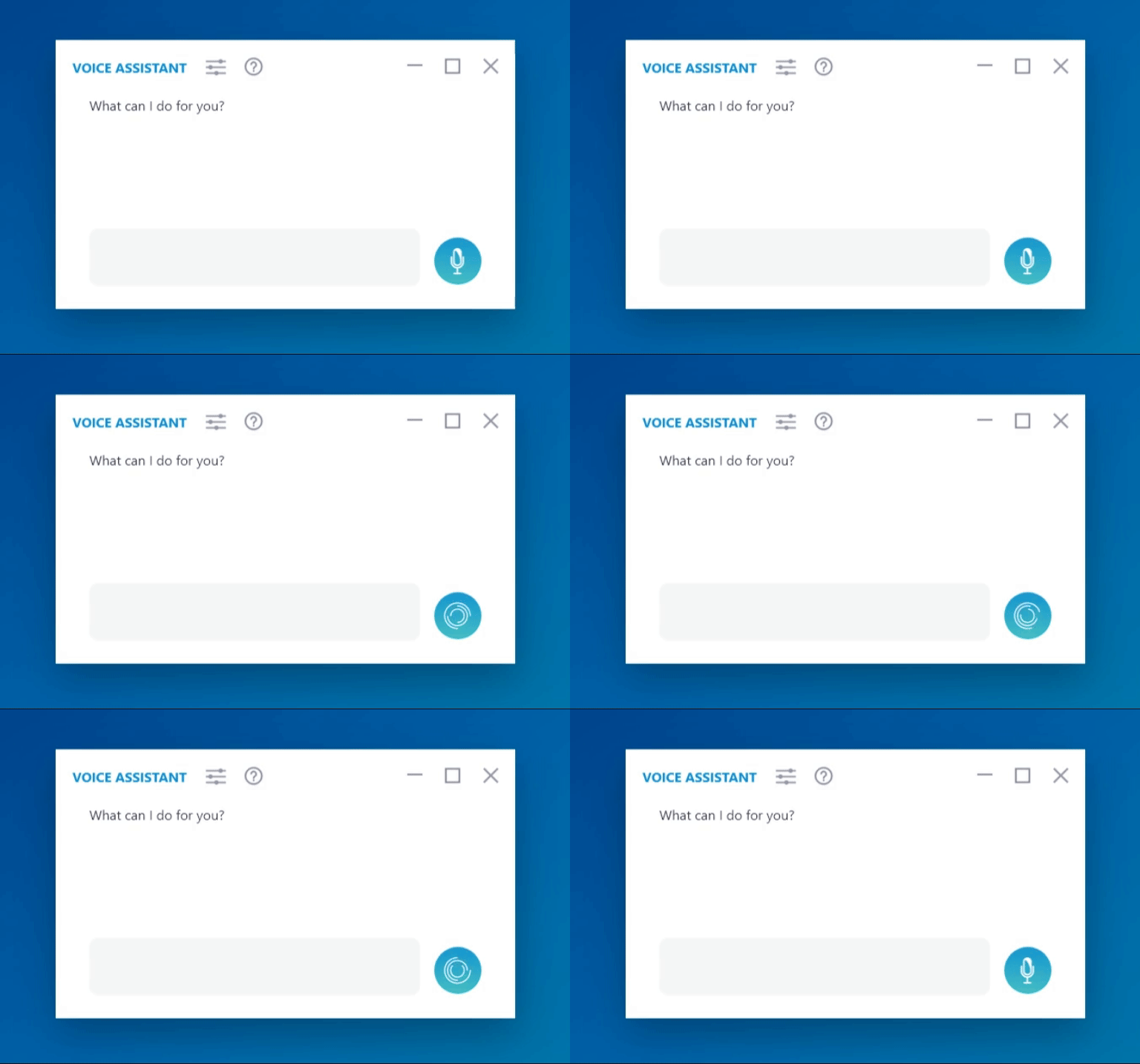
Processing